✓
Your download is starting…
QuadCode should appear in your Downloads folder in a moment.
⬇ QuadCode-2.0.11-arm64.dmg
📦 How to install QuadCode
1
Open the DMG
Once the download finishes, double-click QuadCode-2.0.11-arm64.dmg in your Downloads folder to mount it.
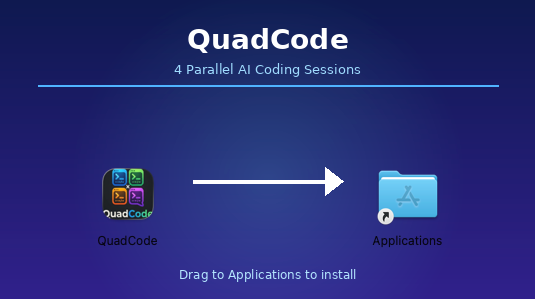
Drag QuadCode into the Applications folder
2
Drag to Applications
In the window that opens, drag the QuadCode icon into the Applications folder shortcut.
3
Launch QuadCode
Open Finder → Applications and double-click QuadCode. Your free 7-day trial starts automatically — no account needed.
4
Set up your AI agents
QuadCode will walk you through adding your API keys for Claude, Gemini, or Codex. You only need one to get started.
Download didn't start? Click here to try again.
← Back to getquadcode.com